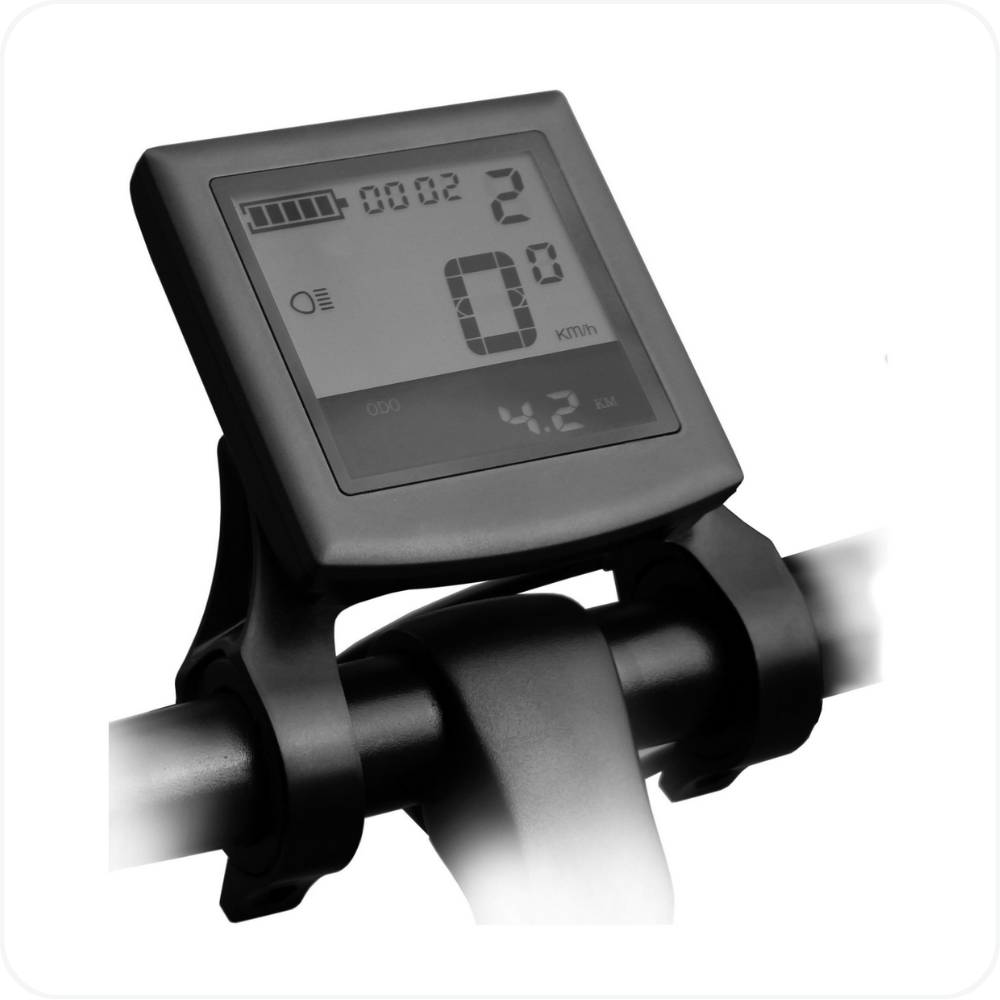
In this article: You’ll learn how to use every screen and menu option on your MOD Monochrome Display.
This guide explains all available functions, including general operation, settings, parameter customization, and error codes.
This Article Applies to the Following Bikes
Difficulty
★☆☆ Easy
Estimated Time
5 - 10 Min
Before You Start
Preparation
- Make sure your bike is stationary before adjusting the display configuration.
- Only change advanced parameters if you fully understand them.
- Power on the display by holding the i (power) button.
Manufacturer User Guide
For full and detailed user guide, please follow the official document provided by the manufacturer. Their documentation includes the most current steps, diagrams, and safety guidance for proper use.
View the manufacturer’s user guide here.
Troubleshooting
- Display will not power on → Ensure the bike battery is charged, properly installed, and all display/controller connectors are fully seated.
- Bike turns off while riding → Check that the speed limit (LS) is not set too low and that battery voltage settings were not modified incorrectly.
- Motor does not engage when pedaling → Confirm the assist level is set above Level 0 and that no brake levers are being pressed or stuck.
- Throttle not responding (if equipped) → Inspect throttle wiring and confirm throttle functions are enabled in the display settings.
- Assist feels weak or inconsistent → Verify PAS sensitivity and PAS ratio settings have not been reduced and that the battery is sufficiently charged.
- Speed reading is inaccurate → Confirm the wheel diameter (Ld) and speed sensor magnet count (SPS) are set correctly.
FAQs
- What does Assist Level 0 mean?
Assist Level 0 disables motor assistance while keeping the display active. - Can I reset the display to factory settings?
Yes. Use the Recover Default Settings (dEF) option in the settings menu to restore factory defaults. - Can changing display settings damage my bike?
Yes. Incorrect changes to advanced parameters such as PAS ratios, current limits, or wheel size can cause performance issues or component damage. - Why does the battery indicator drop suddenly?
The display uses voltage-based readings, which can fluctuate under load, especially during acceleration or climbing hills. - I forgot my power-on password. What should I do?
If a password is enabled and forgotten, the display must be reset by a qualified technician. The password cannot be recovered by the user. - Does adjusting the display increase top speed?
No. The display does not increase motor power beyond system limits. Speed settings may restrict assistance depending on configuration and local regulations.
Warning
⚠️ Important Safety & Liability Notice

These instructions are provided as a general guide for MOD BIKES products. Always ensure the bike is stationary before entering or adjusting display settings. Do not modify advanced system parameters unless you fully understand their function. Incorrect configuration may result in reduced performance, unexpected behavior, electrical damage, or safety hazards. Do not disconnect the display or wiring while the battery is powered on.

If you are not confident performing these adjustments, please seek assistance from a qualified MOD BIKES technician. MOD BIKES shall not be held liable for injury, damage, or loss caused by improper use, configuration, or failure to follow these guidelines. Local laws and regulations may apply.
Was this article helpful?
That’s Great!
Thank you for your feedback
Sorry! We couldn't be helpful
Thank you for your feedback
Feedback sent
We appreciate your effort and will try to fix the article